


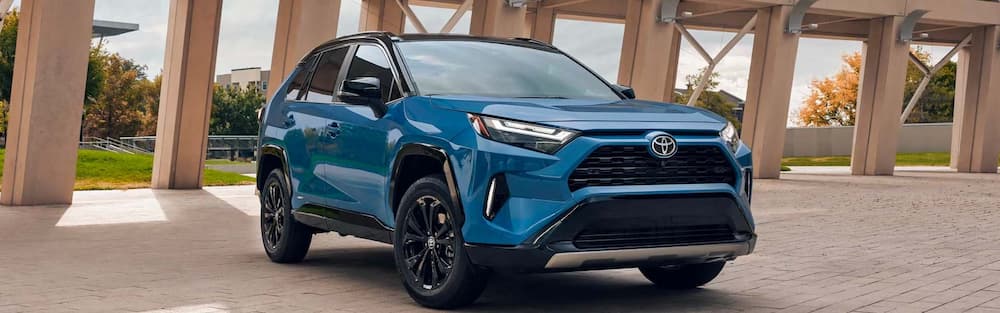
When ensuring safety and stability while driving a Toyota vehicle, learning the functionality of the Vehicle Stability Control (VSC) system is pivotal. One common question that Toyota owners often have is: “Where is the VSC button in a Toyota?” Explore the location of the VSC button and discover the purpose and benefits of VSC in Toyota vehicles, along with when to use it and how to turn it on and off. It will all help you optimize your driving experience.
Where Is the VSC Button Located in a Toyota Vehicle?
The VSC button in Toyota vehicles is generally located on the dashboard, towards the driver’s side. You’ll commonly find it close to other controls like the ASL (Automatic Speed Limiter) or cruise control buttons. However, the exact placement can vary slightly from model to model.
For instance, in many Toyota Camry and Toyota 4Runner models, the VSC button can be found on the left side of the dashboard, near the steering wheel. Meanwhile, the Toyota Sienna features its VSC button near the gear shift.
If you can’t find a dedicated VSC button, your Toyota model might feature system integration where the VSC cannot be manually turned off and is always active. If you’re still having difficulty locating the VSC button, a glance at your vehicle’s user manual or a Google search specifying your model will help you find it.
Purpose and Benefits of VSC
VSC, or Vehicle Stability Control, is a system that enhances vehicle safety by automatically adjusting engine output and applying brake force independently to each wheel in response to detected wheel slip. It is designed to help the driver maintain control of the vehicle during adverse driving conditions, such as when it is driven aggressively or when the road surface is slippery.
For example, if you’re driving in the rain or on a gravel road, the VSC automatically senses when the vehicle is not responding accurately to steering input. It steps into action by applying brake force to the appropriate wheel or wheels. This can help prevent the vehicle’s rear end from sliding out during a turn or the vehicle’s front from sliding forward in a panic stop.
When to Use VSC
VSC is designed to be used in all driving conditions, whether normal city driving, highway cruising, or driving on slippery roads. The system constantly monitors the vehicle’s stability and grip and steps in to provide maximum control and safety whenever it detects a potential loss of traction. However, there might be situations like driving on a racetrack or in specific off-road conditions, where the driver may want to deactivate the system for more manual control over the vehicle’s handling.
How to Turn On and Off VSC in a Toyota Vehicle
Turning on and off the VSC in a Toyota vehicle is just as easy as finding where the VSC button is. To activate or deactivate the system, press the VSC button for a few seconds until you see the ‘VSC OFF’ indicator light on your dashboard. In most models, this should turn off the system. To reactivate VSC, perform the same action. Press and hold the VSC button until the ‘VSC OFF’ light goes out on your dashboard.
Explore Toyota Models at Toyota of Visalia
Navigating the ins and outs of the VSC system in your Toyota vehicle ensures you’re making the most of this advanced safety feature. By understanding the location and operation of the VSC button, you can enhance your vehicle’s stability and safety on the road. We encourage all Toyota drivers to consider using VSC in their day-to-day driving for a safer and more secure drive.
Should you have any more questions about the VSC system or if you’d like to explore our latest Toyota models, the team at Visalia Toyota is always here to help. We are located at 922 S Ben Maddox Way, Visalia, CA, 93292-3645, or you can reach us at 559-409-7178. Contact us today to schedule your next Toyota service appointment or view our new and used Toyotas here.
FAQ
Where is the VSC button on a Toyota?
The VSC button is usually located on the dashboard near the driver’s side, often close to controls like cruise control or the ASL button. Placement varies by model, many Camry and 4Runner models have it to the left of the steering wheel, while the Sienna places it near the gear shift.
What if my Toyota doesn’t have a VSC button?
Some Toyota models integrate VSC into the system automatically, meaning it cannot be manually turned off. In these cases, VSC is always active.
What does the VSC system do?
VSC (Vehicle Stability Control) improves safety by adjusting engine power and applying brake force to individual wheels when it senses wheel slip, helping you maintain control in rain, gravel, or other unstable conditions.
When should I use VSC?
VSC is designed for everyday driving, city, highway, and slippery roads. The only time you may turn it off is during specialized driving situations such as track driving or certain off-road conditions where more manual control is needed.
How do I turn VSC on or off?
Press and hold the VSC button for a few seconds until the “VSC OFF” light appears on the dashboard to disable the system. Press and hold again to reactivate it.
Connect with us


